
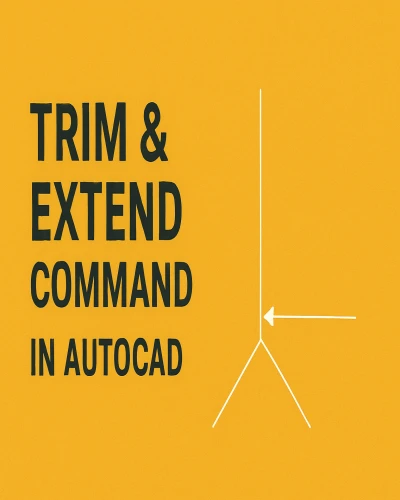
Trim
TR Enter
Select Object
Select Object to Trim
Trim
TR Enter, Enter
Select Object to Trim
Trim
TR Enter, Enter
E Enter
E Enter / N Enter
Extend/ No Extend
Note : Use 'Shift' Key to Extend
= Extend
EX Enter
Select Object
Select Object to Extend
Extend
EX Enter, Enter
Select Object to Extend
Extend
EX Enter, Enter
E Enter
E Enter / N Enter
Extend/ No Extend
Note : Use 'Shift' Key to Trim
🤖 AI Tools & Technology Credits
इस लेख को आसान, स्पष्ट और उपयोगी बनाने के लिए आधुनिक AI तकनीकों की सहायता ली गई है।
इन टूल्स की मदद से रिसर्च, कंटेंट लेखन, डिजाइन, SEO और वीडियो क्रिएशन तेज़, सटीक और प्रोफेशनल तरीके से किया गया है।
हम इन सभी AI प्लेटफॉर्म्स का आभार व्यक्त करते हैं जिन्होंने सीखने और सिखाने की प्रक्रिया को सरल और प्रभावी बनाया।
यदि आप भी ब्लॉग, स्टडी नोट्स, प्रोजेक्ट या डिजिटल कंटेंट बनाना चाहते हैं, तो इन टूल्स का उपयोग अवश्य करें:
🔹 OpenAI ChatGPT – AI Content Writing & Ideas
https://chat.openai.com
🔹 Google Gemini – Smart Research Assistant
https://gemini.google.com
🔹 Canva – Graphics & Design Creation
https://www.canva.com
🔹 Google Flow – AI Video Creation Tool
https://labs.google/flow
🔹 InVideo – AI Video Maker & Reels Creator
https://invideo.io
🔹 Ubersuggest – SEO & Keyword Research Tool
https://neilpatel.com/ubersuggest
🔹 Remove.bg – Background Remover for Images
https://remove.bg
🔹 ElevenLabs – AI Voiceover Generator
https://elevenlabs.io
🔹 Microsoft Copilot – Documents & Office Productivity AI
https://copilot.microsoft.com
✨ AI tools के साथ सीखें, तेज़ी से बढ़ें और अपने काम को प्रोफेशनल बनाएं।
— Team Health Wealth Vaastu
Copyright © 2026 Health Wealth Vaastu All rights reserved
Privacy Policy Terms & Condition Refund & Cancellation Site Map
all comments
Manisha sahu
21-August-2024Nice
Reply
Divyanka pujari
25-June-2026AutoCAD sikhna ka liya very useful post
Reply